

At participating food trucks
Order in the app.
Pick up at
the truck.
Choose a truck that’s accepting mobile orders, select your food, and pay in OpenTruck. Follow your order’s status and collect it at the window when it’s ready.
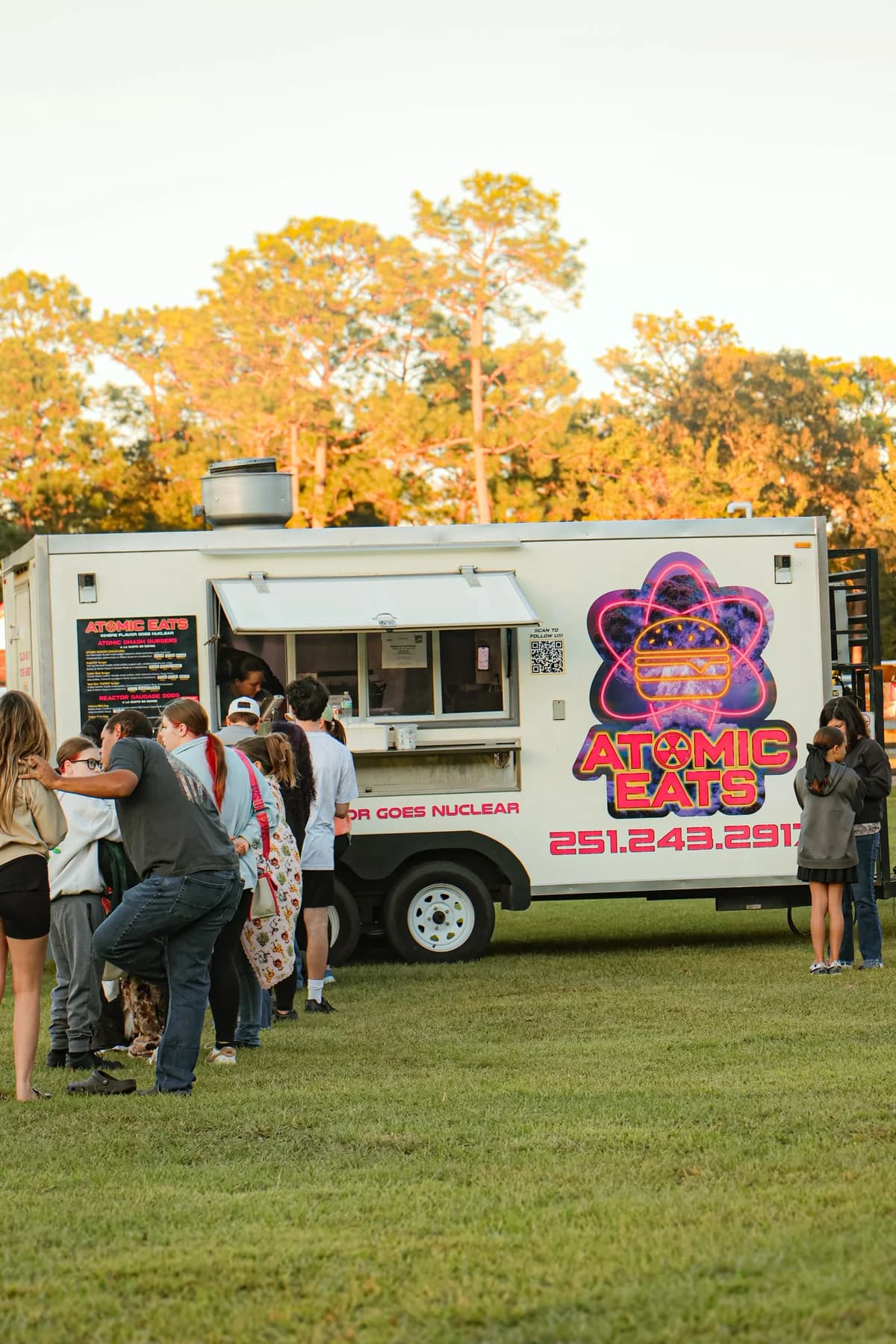
From your phone to the window
A few steps.
Then something good.
Availability depends on the truck and its current stop. Look in the app to see who’s accepting orders.
Choose your truck.
Find a participating truck with mobile ordering turned on. Check its menu and choose what you’d like.
Place your order.
Review the items and pickup details, then pay in the app. Watch your order’s status as the truck prepares it.
Meet them at the window.
When your order is marked ready, head to the truck to collect it. OpenTruck orders are for pickup.
For the crew
Orders on your terms.
Accept mobile orders when you’re ready to handle them. Keep the queue in view, update items as they sell out, and pause new orders when you need to catch up.
Get your menu ready.
Add items, options, and prices before taking orders.
Connect your payouts.
Complete the required payment setup for your business.
Choose when to accept orders.
Turn ordering on for your stop and stay in control during service.
Can I order from every truck?
Does OpenTruck offer delivery?
How do I know when it’s ready?
I run a truck. How do I get set up?
Take it with you
Your order starts with a good find.
Join OpenTruck to follow local food trucks and keep up with where they’re serving.